Is 4GB RAM Enough in 2026? (Honest Answer)
Disclosure: This post may contain affiliate links. If you purchase through these links, we may earn a small commission at no extra cost to you.
The short answer: for a Windows computer in 2026, no. Windows 11 officially lists 4GB as its minimum requirement, but the operating system alone typically occupies 2–3GB after boot, leaving almost nothing for a browser, a video call, or anything else. A 4GB Windows machine technically runs; it just can't comfortably do the things people buy computers for.
But "no" isn't the whole story. There are systems where 4GB is still perfectly reasonable, and if you already own a 4GB laptop, the right move depends on one question: whether its memory can be upgraded. Let's go through it.
Why 4GB stopped being enough
When this article was first written, 4GB was the entry point and 8GB was comfortable. Three things have moved the floor since:
Windows grew. Windows 11's background services, security features, and preloading use a large share of memory before you open a single app. On a 4GB machine, you start your day with roughly 1–2GB of headroom.
Apps grew more. Modern web apps and chat tools are the real memory hogs. A browser with a handful of tabs can claim well over a gigabyte on its own — a single YouTube or Google Docs tab runs into the hundreds of megabytes — and apps like Teams, Slack, and Discord each bundle what is effectively another browser under the hood. One video call plus a few tabs is enough to push a 4GB machine into constant disk-swapping, which is the stutter-and-freeze behavior 4GB owners know well.
Windows 10 ran out. The traditional advice for weak hardware — "just stay on Windows 10" — expired on October 14, 2025, when Microsoft ended free support. Security updates now require enrolling in the Extended Security Updates program (free with a Microsoft account backup, or a one-time $30, through October 2027). Either way it's a countdown, not a destination.
Where 4GB is still fine in 2026
- Chromebooks, for basic use. ChromeOS is far lighter than Windows, and 4GB entry-level Chromebooks are still sold and still usable for web browsing, email, and schoolwork. Telling detail, though: Google's own "Chromebook Plus" certification requires 8GB — even Google now treats 4GB as the bottom shelf. See our Chromebook vs laptop comparison for where ChromeOS makes sense.
- Lightweight Linux. Linux Mint XFCE and similar distributions run comfortably in 4GB — Mint itself calls 4GB "comfortable." Installing Linux is the classic way to get real use out of an old 4GB laptop.
- Single-purpose machines. A Raspberry Pi 5 with 4GB ($60) is a current, fully supported product, and 4GB is plenty for a media box, retro gaming, or a small home server.
- Very light, patient Windows use. One app at a time, few tabs, no calls. It works. It's just an exercise in frustration for anything more.
What about gaming?
Effectively over for modern titles. Current AAA releases like Starfield, Alan Wake 2, and Indiana Jones and the Great Circle list 16GB as their minimum — four times what a 4GB machine has. The exceptions are the lightest esports games: Valorant officially runs on 4GB and League of Legends on even less, at low settings. If those are the only games you play, a 4GB machine limps along; anything newer isn't a settings problem, it's a hard wall.
The 4GB trap: they still sell these
Bottom-shelf laptops with 4GB of RAM are still on shelves in 2026 at $150–250, and they've actually gotten more common as a cost-cutting measure: DRAM prices surged roughly 90% in early 2026 as AI datacenters absorbed memory production, and manufacturers responded by downgrading specs to hold price points. Worse, these budget machines almost always have soldered (non-upgradable) memory and slow eMMC storage — meaning the 4GB you buy is the 4GB you're stuck with, on a machine that's already inadequate on day one. If a new laptop lists 4GB of RAM in 2026, that's not a bargain; it's a machine designed to be replaced.
Should you upgrade your existing 4GB machine?
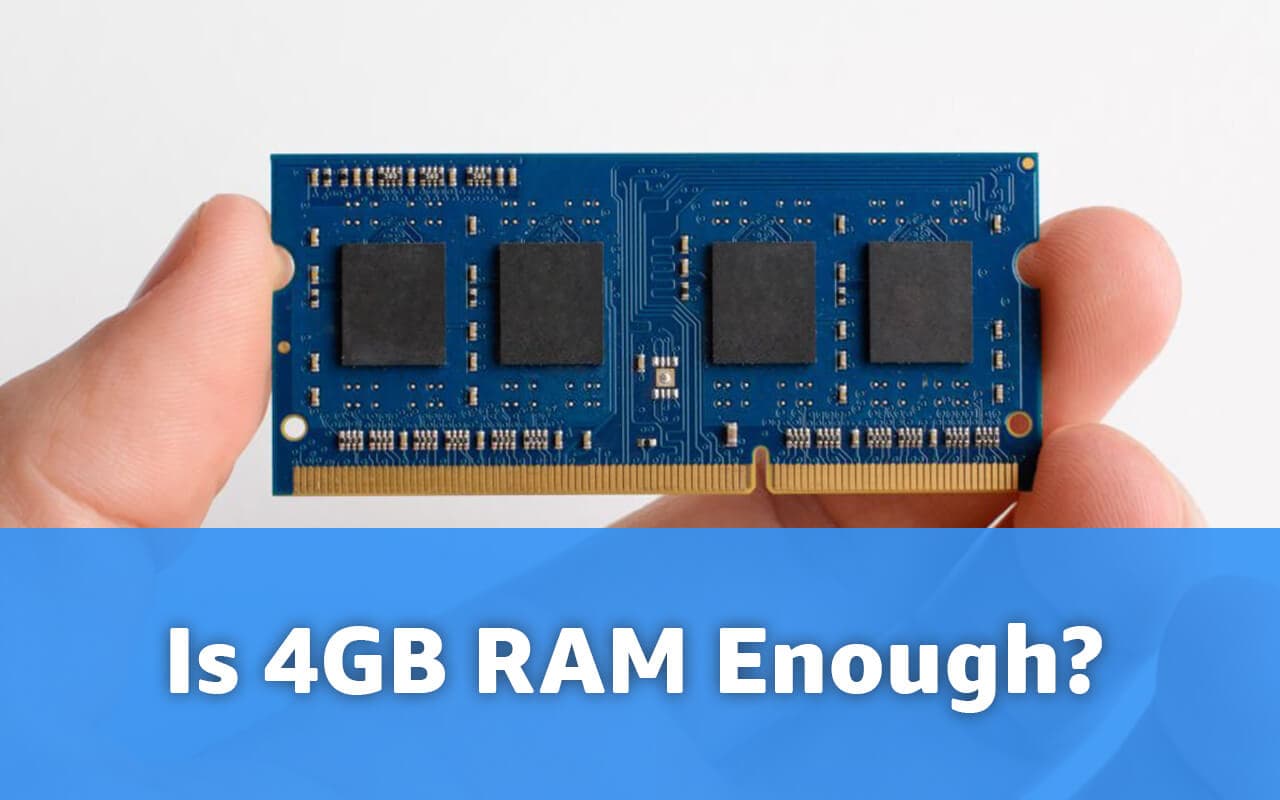
First, check whether you can: use our free RAM upgrade checker or look up whether your model has a SODIMM slot (upgradable) or soldered memory (not). Many older 4GB laptops have a free slot or a replaceable module.
If it's upgradable, going to 8GB is one of the cheapest meaningful upgrades in computing — a DDR4 SODIMM module runs roughly $15–30 even after the 2026 memory price surge, and the difference in daily use is dramatic. We cover the details in adding 8GB of RAM to a 4GB laptop and mixing 4GB and 8GB modules.
If the RAM is soldered, put the money toward a replacement instead — and this time treat 8GB as the absolute floor and 16GB as the comfortable default.
Frequently asked questions
Is 4GB of RAM good in 2026? By today's standards, no — 4GB is the bottom of the market. It was a mid-range amount a decade ago; now it's less than Windows 11 alone is comfortable with, and half of what Google requires for its better Chromebook tier. "Good" starts at 8GB, and 16GB is the modern sweet spot.
Is 4GB RAM enough for Windows 11? It meets the official minimum requirement, but not the practical one. Windows 11 itself consumes most of 4GB, so real-world use — a browser plus anything else — becomes a slideshow. 8GB is the realistic minimum; 16GB is comfortable.
Is 4GB RAM enough for online meetings? Barely, and only if the meeting is the only thing running. Teams and Zoom each want a gigabyte or more once video starts, which is most of a 4GB machine's free memory. Expect fan noise, lag, and occasional freezes if you also open documents or tabs.
Is 4GB RAM enough for a Chromebook? For basic browsing, email, and documents, yes — ChromeOS is much lighter than Windows. But if you keep many tabs open or want Android apps, 8GB Chromebooks are worth the small premium, and Google's Chromebook Plus tier requires 8GB for a reason.
Is 4GB RAM enough for students? For writing and research on a Chromebook or Linux machine, yes. For a Windows laptop that needs to run a browser, a document, and a video call at once — the actual daily reality of studying — 8GB is the sensible minimum.
How much RAM do I actually need in 2026? 8GB for light use, 16GB for comfortable general use and mainstream gaming, 32GB for heavy multitasking, content creation, or keeping everything open at once. Our is 8GB enough? guide covers the next step up, and the best 32GB RAM laptops roundup covers the power-user end.
Final words
4GB of RAM in 2026 is enough for ChromeOS basics, lightweight Linux, and single-purpose boxes — and not enough for Windows. If your 4GB machine has a free memory slot, a $20 module buys it years of extra life; check with our RAM upgrade tool before you spend anything. And whatever you do, don't buy a new 4GB Windows laptop: with memory prices up and specs quietly shrinking, the cheapest machine on the shelf has never been a worse deal.

Tech enthusiast and founder of Technize. Passionate about making technology accessible and helping people make smarter buying decisions.