What to Do If Your Laptop Doesn’t Have a CD Drive?
Disclosure: This post may contain affiliate links. If you purchase through these links, we may earn a small commission at no extra cost to you.
Plenty of us still have discs that matter: music CD collections, movie box sets, old software installers, photo archives, even discs from doctors' offices and government agencies that still hand them out. Modern laptops just have nowhere to put them.
The fix is cheap and easy: an external USB optical drive costs $25–35, plugs into any USB port, and works instantly on Windows 11 and macOS with no drivers to install. Here's what to buy, plus how to play, rip, and future-proof your discs once you have one.
Do laptops have CD drives anymore?
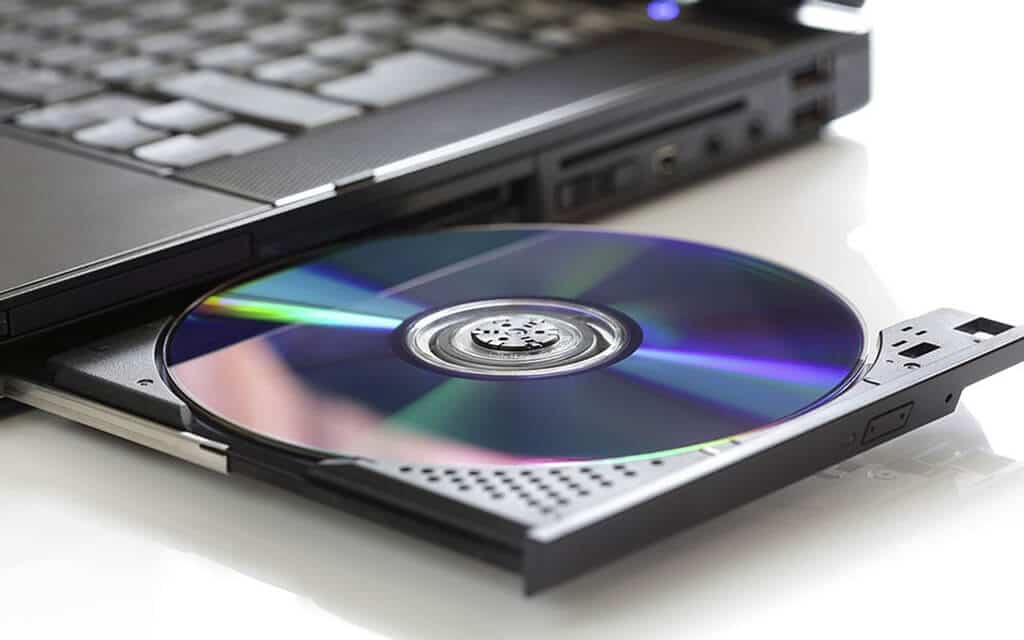
No. Laptops stopped coming with CD/DVD drives as the thin-and-light designs took over — the decline started around 2012 with the ultrabook wave, and by the late 2010s built-in optical drives had vanished from mainstream models entirely. In 2026 no current mainstream laptop ships with one; at most, the odd budget 17-inch model turns up with a DVD writer, and even that is rare enough that you should never assume a drive without checking the spec sheet. Manufacturers dropped them for the obvious reasons: thinner chassis, lighter weight, more battery, and the fact that software, music, and movies all moved to downloads and streaming.
So if you're shopping and wondering which laptops still have disc drives, the practical answer is: none worth buying for that reason. Buy the laptop you actually want, and solve discs with a $30 accessory instead.
Get a USB external optical drive
For reading and burning CDs and DVDs, two current, well-regarded options:
- ASUS ZenDrive U9M — the standard recommendation. It's a slim DVD burner that ships with both USB-C and USB-A cables, so it connects to any laptop made in the last 15 years without adapters. Check price on Amazon
- Verbatim External Slimline CD/DVD Writer — the equally solid alternative, from one of the few brands still fully committed to optical media. Check price on Amazon
Both read and burn CDs and DVDs, run on USB bus power, and are plug-and-play on Windows 11 and macOS. One old-school tip that still applies: if a drive isn't recognized or fails mid-burn on an older laptop, the USB port may not be supplying enough power — drives that include a dual-headed Y-cable have a second plug precisely for this.
Skip the Apple SuperDrive. Apple's $79 drive was quietly discontinued in 2024, and it was a poor buy even before that — USB-A only (needing an adapter on the very Macs it was sold for) at three times the price of drives that do more. Any $30 drive above works fine on a Mac.
Blu-ray is a "buy it now or never" situation. If your movie collection includes Blu-rays, note that the industry has been walking away: Pioneer ended Blu-ray drive production in 2025 and LG has exited optical drives entirely, so external Blu-ray drives (ASUS BW-16D1X-U, Pioneer BDR-XD08) are increasingly remaining-stock items at $80–150. They read regular CDs/DVDs too. If you'll ever want one, sooner beats later. Check price on Amazon
Can laptops play DVDs and CDs?
Yes — any laptop can, once an external drive is attached. But the drive is only half the answer; the software situation has its own quirks in 2026:
Windows 11 cannot play DVDs out of the box. Microsoft removed DVD playback years ago and sells a poorly rated $14.99 "Windows DVD Player" app. Don't buy it — install the free, open-source VLC media player, which plays DVDs (and practically everything else) without fuss. Music CDs play fine in Windows Media Player as standard.
On a Mac, the built-in DVD Player app still exists but Apple has been steadily burying it, and as of this writing it's expected to disappear in the next macOS release. VLC works on Mac too and is the safer long-term bet.
Commercial Blu-rays are encrypted and need more than VLC alone — Leawo Blu-ray Player (free) and CyberLink PowerDVD (paid) are the usual answers on Windows.
Rip your discs while you can
The smarter long-game move is converting discs to files, so you only need the drive once per disc:
- Movies: MakeMKV rips DVDs free (and Blu-rays under its free-while-in-beta arrangement) into MKV files playable in VLC. Pair it with the free HandBrake if you want smaller, compressed files for a laptop with limited storage. One accurate legal sentence, since readers ask: in the US, bypassing the copy protection on commercial discs technically runs afoul of the DMCA even for personal backups — it's a legal gray zone that has essentially never been enforced against individuals, but it's worth knowing.
- Music CDs: on a Mac, the built-in Music app still imports CDs directly (insert disc → Import CD). On Windows, the new Apple Music app notably can't rip CDs — use Windows Media Player, the classic iTunes, or Exact Audio Copy for bit-perfect rips of a serious collection.
- Software and data discs: copy the contents to your hard drive or a USB stick, or make an ISO image of the whole disc. Windows 11 mounts ISO files natively — right-click → Mount — so an imaged disc behaves exactly like the original in a virtual drive, no physical drive needed ever again. Fair warning for very old software: 64-bit Windows can't run 16-bit-era installers at all, and long-dead activation servers stop some old programs regardless of how well you've preserved the disc.
Ripping also just works better: files play without drive noise, use less battery, and can't be scratched.
Do you even need the drive?
Before buying anything, check whether your disc problem has already solved itself. Software on old CDs is usually downloadable from the vendor today. Movies you own on DVD are often cheaper to stream than the hassle of ripping. Government and medical offices increasingly offer portals or USB alternatives if you ask. And for moving files around, a USB flash drive long ago replaced burned discs — cheaper per gigabyte, faster, and rewritable.
The realistic 2026 answer for most people: one $30 DVD drive, one weekend of ripping the discs that matter, and the drive goes in a drawer for the occasional disc that still turns up.
Final words
A missing CD drive stopped being a real limitation years ago — a cheap external drive covers the occasional disc, VLC handles playback that Windows and macOS no longer bother with, and ripping your collection once frees you from the hardware permanently. The only time pressure is Blu-ray, where the drives themselves are quietly going extinct.
Still spinning discs the old-fashioned way? Our roundups of the best CD players and best portable CD players cover the standalone options.

Tech enthusiast and founder of Technize. Passionate about making technology accessible and helping people make smarter buying decisions.