What Is My Laptop Screen Size? How to Check & Measure
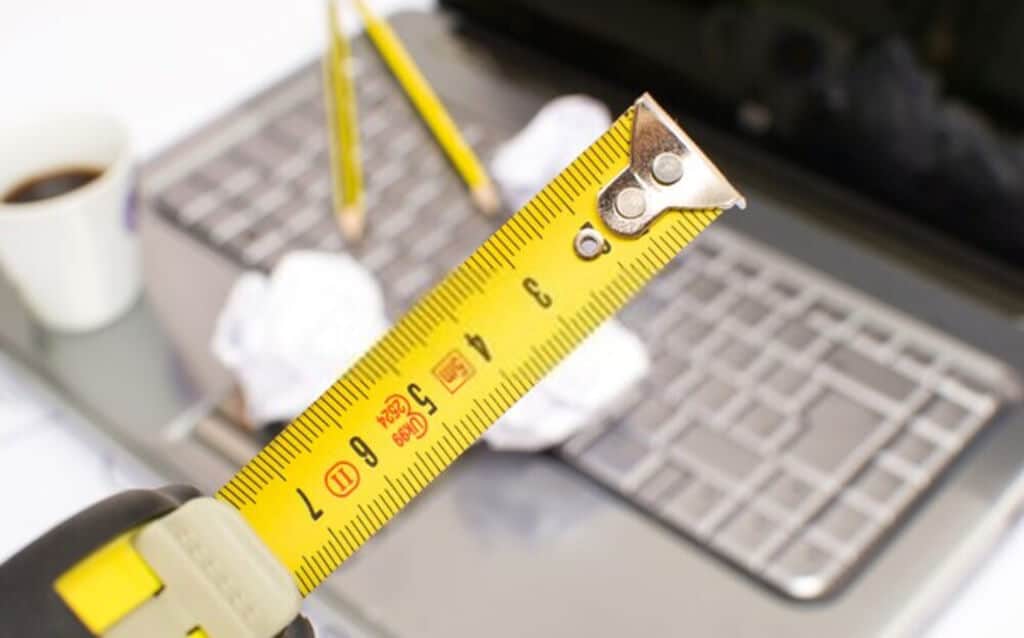
Disclosure: This post may contain affiliate links. If you purchase through these links, we may earn a small commission at no extra cost to you.
Short answer: laptop screen sizes are always measured diagonally, corner to corner across the visible glass only — not the plastic bezel or the lid — and expressed in inches. A "15.6-inch laptop" has a 15.6-inch diagonal screen, not a 15.6-inch-wide case.
There are two ways to find yours: look up your exact model (fastest, no ruler required) or measure the panel yourself. Here's both, plus a size chart and inch-to-cm conversions for the common searches people land here for.
Find your screen size without measuring
Neither Windows nor macOS shows physical screen size as a labeled field, but both give you enough to look it up in under a minute.
Windows
- Press Windows key + R, type
msinfo32, and press Enter. - Note the System Model value (e.g., "IdeaPad Slim 3 15ABR8" or "HP Pavilion 15-eg2xxx").
- Search
[that model] specs— the manufacturer's product page lists the display size.
We cover this in more depth, including the newer PowerShell method and brand-specific shortcuts, in what laptop do I have.
Many model numbers actually encode the screen size, so you may not even need to look anything up. A "ThinkPad E15" or "IdeaPad Slim 3 15" is a 15.6-inch model; an "IdeaPad Slim 5 14" is 14 inches. Not every manufacturer follows this pattern consistently, so treat it as a strong hint rather than a guarantee — confirm on the spec page if it matters.
macOS
Click the Apple menu > About This Mac. The model name itself usually states the size — "MacBook Air 13-inch" or "MacBook Pro 16-inch." Apple's own spec pages (support.apple.com) confirm the exact diagonal and resolution for your model and year if you need more detail.
Measure it yourself with a tape measure
If you can't identify the model — a hand-me-down, a refurbished unit with the label worn off, or a laptop with the badge removed — measure the panel directly.
- Use a flexible tape measure, not a rigid ruler; laptop screens sit inside curved bezels, and a rigid edge won't seat accurately in the corner.
- Open the lid so the screen is visible.
- Place the tape at one corner of the visible glass — where the picture actually starts, not the edge of the black bezel around it.
- Stretch it diagonally in a straight line to the opposite corner.
- Read the number in inches, rounded to the nearest tenth (manufacturers quote sizes like 15.6" or 13.3", not whole numbers).
If your tape only shows centimeters, divide by 2.54 to get inches.
Inch to cm conversion table
| Screen size (inches) | Diagonal (cm) |
|---|---|
| 11.6" | 29.5 cm |
| 13.3" | 33.8 cm |
| 14" | 35.6 cm |
| 15.6" | 39.6 cm |
| 16" | 40.6 cm |
| 17.3" | 43.9 cm |
To convert any measurement yourself: inches × 2.54 = cm, or cm ÷ 2.54 = inches.
Common laptop screen sizes
| Size | Typical use case |
|---|---|
| 11.6"–13.3" | Ultra-portables, travel laptops, Chromebooks |
| 14" | Mainstream thin-and-light, increasingly the default replacing 13.3" |
| 15.6" | Still the single most common laptop screen size overall |
| 16" | Growing segment for creator and gaming laptops, often 16:10 |
| 17"–17.3" | Desktop-replacement and gaming laptops |
15.6 inches remains the most common laptop screen size, but the market has been shifting at both ends: 13.3-inch models are increasingly replaced by 14-inch panels, and 16-inch (often 16:10 aspect ratio) has become a common step up from 15.6" on creator and gaming laptops, trading a slightly larger footprint for more vertical screen space. If you're deciding between sizes rather than checking one you already own, see our full breakdown in laptop screen sizes, or the size-specific comparisons in is a 13-inch laptop too small and is a 17-inch laptop too big.
Screen size vs. laptop dimensions
Screen size only tells you the diagonal of the display — it doesn't tell you how big the laptop itself is, because bezel width and chassis design vary between models. As a rough guide, a laptop with a given screen size needs a sleeve or bag rated for that size class:
- 13–14" laptops generally fit a 13–14" sleeve.
- 15.6" laptops generally fit a 15–16" sleeve — sleeve sizing is intentionally generous to cover bezel and case variation.
- 17–17.3" laptops need a 17–17.3" sleeve or bag.
If you need your laptop's actual width, depth, and height (for a tight-fitting case or a desk/bag that has to fit exactly), those aren't derived from screen size — measure the closed laptop directly with a tape measure, front-to-back and side-to-side, including any rounded edges, or check the "Dimensions" line on the manufacturer's spec sheet for your exact model.
Screen size isn't the same as resolution
Two laptops can both have a 15.6-inch screen and look completely different, because resolution — the number of pixels packed into that diagonal — is a separate spec. A 15.6-inch 1920×1080 (Full HD) panel and a 15.6-inch 3840×2160 (4K) panel are the same physical size but very different sharpness. If you're trying to identify your resolution rather than your screen size, check Settings > System > Display on Windows or Apple menu > About This Mac > Displays on macOS.
Frequently asked questions
Are laptop screens measured diagonally? Yes. Every laptop, monitor, and TV screen size is measured as the diagonal distance across the visible display, corner to corner — a convention carried over from CRT displays decades ago. It's not the width, and it doesn't include the bezel.
How do I check my laptop screen size without measuring?
Look up your exact model. On Windows, run msinfo32 and note the System Model, then search that model's specs. On a Mac, check Apple menu > About This Mac — the model name usually states the size directly.
What is the average laptop screen size? 15.6 inches is still the most common single size, though 14-inch and 16-inch models have both gained ground in recent years as manufacturers shift away from 13.3-inch and toward taller 16:10 panels.
What are the dimensions of a 15-inch laptop? "15-inch" describes the diagonal screen size (about 39.6 cm), not the case dimensions. The laptop's actual width, depth, and height depend on the bezel and chassis design, so check the manufacturer's spec sheet for exact figures, or measure your unit directly if you need precise numbers.
Does a bigger screen size mean a sharper picture? No — sharpness comes from resolution, not screen size. A larger screen at the same resolution as a smaller one will actually look slightly less sharp, because the same number of pixels is stretched over more area.
Can I use a ruler instead of a tape measure? You can, but a flexible tape measure is more accurate for a diagonal measurement, since a rigid ruler doesn't seat cleanly in a curved bezel corner.

Tech enthusiast and founder of Technize. Passionate about making technology accessible and helping people make smarter buying decisions.