What Is a USB WiFi Adapter and How Does It Work?
Disclosure: This post may contain affiliate links. If you purchase through these links, we may earn a small commission at no extra cost to you.
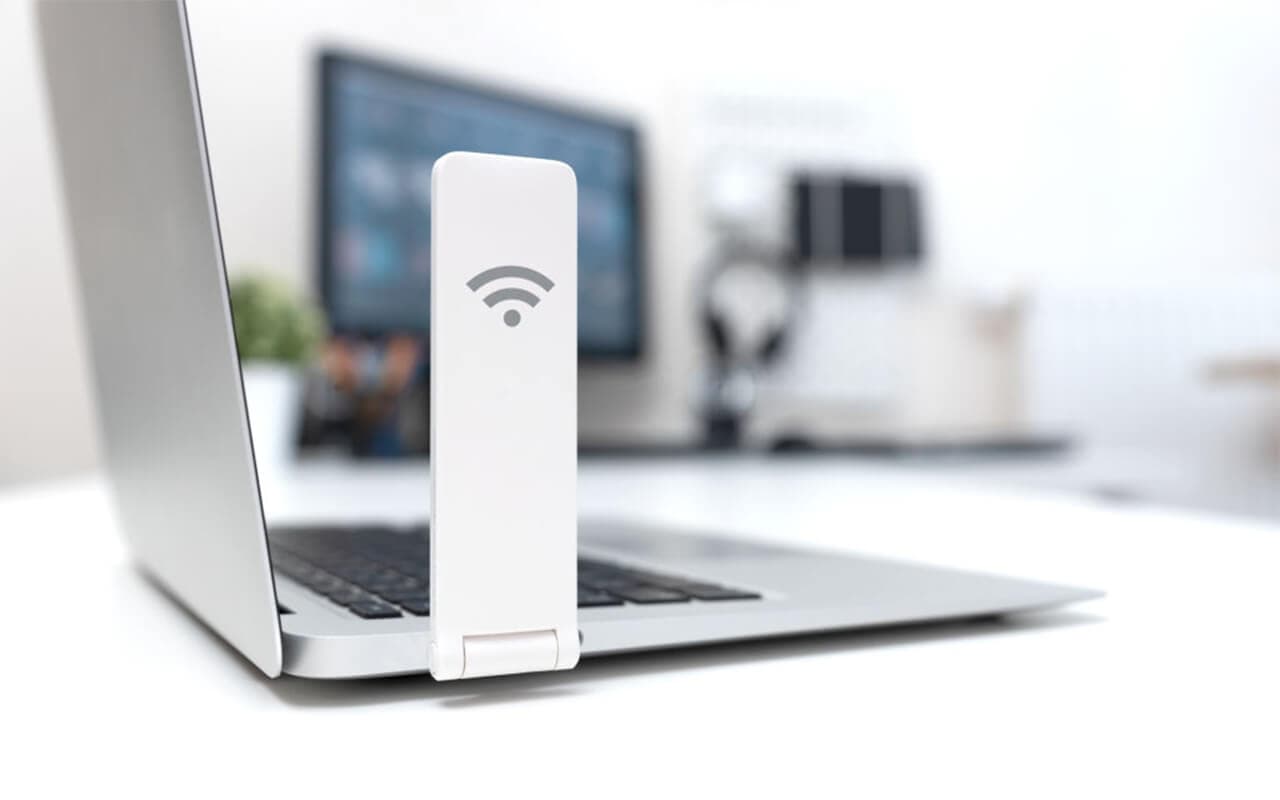
A USB WiFi adapter is a small plug-in radio — basically a network card in a USB stick — that gives a desktop or laptop the hardware it needs to join a WiFi network. Plugging one in does not create internet service. It gives your computer a wireless radio it didn't have before, so it can talk to a router or hotspot that's already online. No router, no internet — the adapter just handles the "getting online" hardware, not the connection itself.
That distinction trips a lot of people up, so it's worth stating plainly before anything else: a USB WiFi adapter is the missing piece that lets your PC see WiFi networks and connect to one. It doesn't replace your internet plan, your router, or a WiFi extender.
How does a USB WiFi adapter work?
Inside every USB WiFi adapter is a small radio chipset and an antenna — sometimes built into the plastic housing, sometimes external. When you plug the adapter into a USB port, three things happen:
- The OS recognizes it as a network interface. Windows, macOS, and Linux all treat the adapter like a wireless network card, the same category as a laptop's built-in WiFi chip.
- A driver loads. The driver is the software that lets the operating system actually talk to the adapter's chipset. On Windows 11, this is usually automatic — more on the exceptions below.
- The radio talks to your router. The chipset transmits and receives on the 2.4 GHz, 5 GHz, or (on newer adapters) 6 GHz band, using the same WiFi standards — WiFi 6, 6E, or 7 — as any other wireless device. It authenticates with your router's SSID and password just like a phone or laptop would.
Once that handshake completes, the adapter behaves exactly like a built-in WiFi card: your computer routes its network traffic through it, and you get internet access for as long as the router itself is online.
The one real gotcha is the driver layer. Windows 11 auto-installs generic drivers for most name-brand adapters, but a lot of budget dongles use Realtek chipsets that ship with older or incomplete drivers baked into Windows Update — if a cheap adapter connects but drops out constantly or won't hit its rated speed, grabbing the current driver from the manufacturer's site (rather than relying on Windows' auto-pick) usually fixes it.
When do you need a USB WiFi adapter?
- A desktop without a WiFi card. Most prebuilt desktops still ship with only Ethernet; a USB adapter is the fastest way to add wireless without opening the case.
- A laptop with a dead or outdated internal WiFi chip. Cheaper or older laptops sometimes have WiFi cards that fail or only support WiFi 4/5. A USB adapter is a quick bridge until (or instead of) an internal replacement.
- Upgrading an older machine to WiFi 6, 6E, or 7 without touching the internals — handy for a PC that's otherwise fine but stuck on an ancient wireless standard.
- A temporary fix — travel, a loaner PC, or a machine whose motherboard antenna connectors are just inaccessible.
If your problem is actually a weak or spotty signal on a device that already has WiFi, a USB adapter won't help — that's a job for a WiFi extender or a better-placed access point, not a new radio.
For a desktop specifically, it's also worth deciding between USB and an internal card before you buy — see our PCIe WiFi card vs. USB WiFi adapter comparison for the full breakdown. Short version: USB is easier to install and more portable; a PCIe card is faster and more reliable for a machine that never moves.
USB WiFi adapters in 2026: what they can (and can't) do
WiFi 7 USB adapters are real now — models like the NETGEAR Nighthawk A9000 and several TP-Link Archer USB adapters support it. But the USB connection itself puts a hard ceiling on real-world speed:
- USB 3.0 tops out around 5 Gbps of bus bandwidth, and most WiFi 7 USB adapters use a 2-stream radio, so even a "6+ Gbps" adapter on the box realistically delivers around 1.7 Gbps in practice — well short of what WiFi 7 can do on a PCIe card, but still far more than almost anyone's internet plan can use.
- USB 2.0 adapters are a much bigger bottleneck: real-world throughput lands around 200–300 Mbps even on adapters rated higher, because of USB 2.0's protocol overhead and shared bus. If you're buying new, make sure the adapter and the port it's going into both support USB 3.0 or newer.
- Form factor still matters for range. Small "nano" dongles with an internal antenna are the most portable but have the weakest range. Adapters with an external antenna, or a small desktop cradle on a USB cable, pull in a noticeably stronger signal if your PC sits any distance from the router.
For most people streaming, browsing, and video calling, a mid-range USB 3.0 WiFi 6 or 6E adapter is plenty — you don't need to chase WiFi 7 numbers a USB port can't fully deliver anyway. A well-reviewed option worth a look: check current USB WiFi adapters on Amazon.
Setting up a USB WiFi adapter
Windows 11. Plug it in. Windows almost always detects it, installs a driver automatically, and shows the adapter in the WiFi menu within seconds. Click the network icon in the taskbar, pick your router's SSID from the list, and enter the WiFi password. If Windows doesn't grab the right driver, download the current one from the manufacturer's support page rather than using an old driver CD.
macOS. This is the honest caveat: most consumer USB WiFi adapters have poor or no macOS support, and on Apple Silicon Macs (M1 and later), third-party USB WiFi adapters generally don't work at all. Apple's networking driver framework for Apple Silicon doesn't support loading third-party WiFi kernel extensions, and most vendors — including Realtek, whose chipsets power the bulk of budget adapters — have stopped maintaining macOS drivers. If you need to get an Apple Silicon Mac online without built-in WiFi, a USB-C-to-Ethernet adapter or a travel router with an Ethernet port is the reliable path, not a USB WiFi dongle.
Linux. Support varies by chipset. Some newer chipsets have in-kernel drivers that work out of the box; many popular Realtek-based adapters (the RTL88x2BU and RTL8852BU families, for example) need a driver compiled from source or installed via DKMS from the community-maintained repos. Worth checking your specific chipset before buying if you're setting up a Linux box.
Limitations of a USB WiFi adapter
- It shares the USB bus with everything else plugged into that controller — a busy USB hub can shave off some throughput.
- Nano dongles can run warm in extended use, which can occasionally cause a brief drop and reconnect.
- No external antenna on the smallest models, which caps range compared to a desktop cradle or PCIe card with dedicated antennas.
- It won't fix a public WiFi login screen or a captive portal that won't load — those are router/network issues, not adapter issues.
Frequently asked questions
Does a USB WiFi adapter give you WiFi? It gives your computer the hardware to connect to WiFi — the radio, antenna, and driver needed to join a wireless network. It doesn't create an internet connection on its own; you still need a router or hotspot that's already online.
Do USB WiFi adapters work? Yes, for what they're built to do: connecting a PC to an existing WiFi network. They work well on Windows with the right driver, are hit-or-miss on Intel Macs, and largely don't work on Apple Silicon Macs.
How do WiFi dongles/sticks work? Same thing as a USB WiFi adapter — "dongle" and "stick" are just informal names for the same device: a compact USB radio that lets a PC join a wireless network.
Does a USB WiFi adapter work on a PC without internet? It lets the PC find and join any WiFi network in range, but it can't create internet access where none exists. If there's no internet-connected router or hotspot nearby, the adapter has nothing to connect to.
Are USB WiFi adapters better than PCIe cards? Not for raw speed or range — a PCIe card wins there, especially at WiFi 6E/7 speeds. USB adapters win on convenience: no case-opening, and you can move them between computers. See our full PCIe vs. USB comparison for the details.
For adapter recommendations across a range of budgets, check our guide to the best USB WiFi adapters.

Tech enthusiast and founder of Technize. Passionate about making technology accessible and helping people make smarter buying decisions.